Slicer users
A printer workflow accepts STL but does not recognize the original 3MF package.
Export a familiar mesh, then verify scale and repair warnings in the slicer.
glb to objFORMAT CONVERTER
A 3MF to STL workflow turns a project package into a broadly supported mesh file for slicers, CAD tools, and fabrication pipelines. Keep the geometry clear and check the export before printing.
AT A GLANCE
3MF can hold more project information than STL, while STL remains one of the most recognizable formats in 3D printing. This variant focuses on moving the model geometry into a practical mesh export.
FORMAT FIT
Choose STL when the next application needs a simple triangle mesh rather than a complete 3MF package. The comparison below highlights what changes during the handoff.
3MF source
STL output
3MF source
Project and manufacturing container
STL output
Triangle mesh for exchange and slicing
3MF source
Stores model geometry
STL output
Stores model surface triangles
3MF source
May preserve richer project metadata
STL output
Usually not preserved in standard STL
3MF source
Can include declared unit information
STL output
Unit interpretation depends on the receiving app
3MF source
Can carry print-oriented settings
STL output
Not part of standard STL geometry
3MF source
Best in tools that support 3MF
STL output
Recognized by many older slicers and CAD utilities
3MF source
Can package a project structure
STL output
Typically becomes one mesh file or merged surface
3MF source
May be larger because of package data
STL output
Often compact, especially as binary STL
VISUAL CHECK
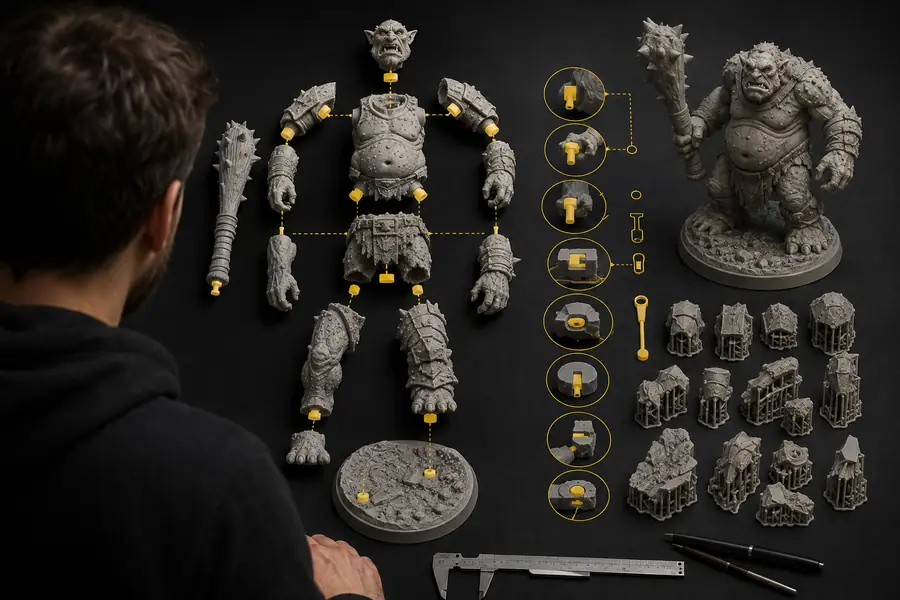
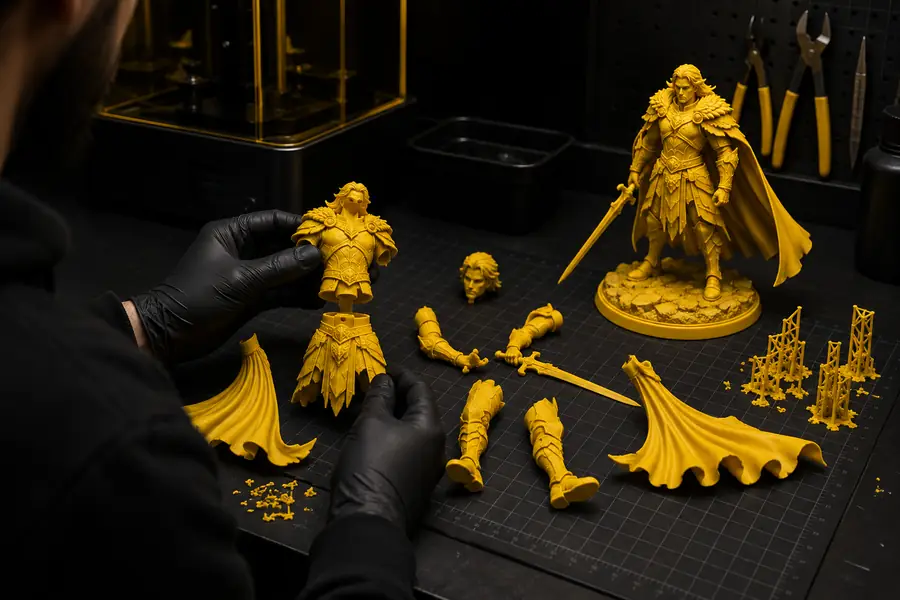
Before conversion, the 3MF project may include a structured scene or print package. After conversion, inspect the STL as a surface mesh and confirm that the silhouette, holes, and scale still match.
The export preserves model surfaces, not every piece of project metadata. Recheck units and orientation in the destination tool before sending the file to a slicer.
COMMON WORKFLOWS
Different teams choose STL for different handoffs. Use the neighboring converters when your source or destination format calls for another route.
A printer workflow accepts STL but does not recognize the original 3MF package.
Export a familiar mesh, then verify scale and repair warnings in the slicer.
glb to objA manufacturing review tool needs a simple triangle surface instead of project packaging.
Share a lightweight mesh that is easier to inspect across older applications.
obj to glbA scanned or generated model must move through an STL-centered repair process.
Keep the geometry accessible to mesh inspection and preparation tools.
stl to fbxA model starts in an STL-oriented stage but later needs a richer interchange format.
Use the appropriate next conversion after confirming the mesh is watertight.
fbx to glbA reference image must become a 3D asset before a mesh export is prepared.
Start with an image-driven model and continue through the format needed by the final tool.
image to glbA flat graphic or relief design needs to enter an STL-based printing workflow.
Create a printable mesh route without forcing every tool to support 3MF.
png to stlRELATED CONVERTERS
If your pipeline begins or ends in another common 3D format, these sibling routes cover adjacent file handoffs.
BEFORE YOU EXPORT
No. STL is primarily a geometry mesh format, so project metadata, print settings, colors, and richer package structure may be omitted.
It can, but STL files do not consistently communicate units. Confirm the intended millimeter scale when importing into your slicer or CAD application.
Binary STL is usually smaller and is widely accepted by slicers. ASCII STL can be useful for inspection, but it is typically much larger.
Inspect the bounding dimensions, surface normals, open edges, thin walls, disconnected shells, and the final orientation before slicing.