Trust guide
Is tripo3d safe for your 3D workflow?
Is tripo3d safe depends on what you upload, how you review generated models, and where you use the results. This guide separates practical risks from common speculation.
- 4 checks
- to review before uploading
- 3 boundaries
- to keep in mind
- 1 rule
- never skip human review
Misconceptions
3 misconceptions about safety
Tripo3d is an AI 3D creation service, not a guarantee of ownership, privacy, or production readiness. These distinctions make safer decisions easier.
-
AI generation is not automatically unsafe
Tripo3d creates a model from text or visual input using automated processing. That describes how the service works; it does not by itself prove that the service is malicious or trustworthy.
-
A private image is not the same as a public post
Sending an image to Tripo3d for processing is different from publishing it openly, but you should still treat every upload as data leaving your device and avoid sensitive material.
-
A generated mesh is not automatically original
A model can be useful while still needing checks for similarity, licenses, trademarks, and third-party references. AI assistance does not remove your responsibility to review the result.
-
Safe use includes a review step
The most dependable pattern is simple: use ordinary source material, inspect the generated geometry, remove confidential details, and export only after checking the intended use.
Know the limits
What it actually is
Think of Tripo3d as a fast asset-generation layer inside a larger workflow. It can accelerate ideation and rough modeling, but it cannot make legal, security, or artistic decisions for you.
-
It cannot verify ownership
Tripo3d may generate a useful object from an image or prompt, but it cannot determine whether you own the source, have permission to transform it, or can use the result commercially.
WorkaroundUse original or properly licensed references and keep a record of the source material.
-
It cannot promise perfect privacy
Any cloud-based generation workflow requires input data to be processed remotely. Do not assume that an upload is private simply because it is not visible in a public gallery.
WorkaroundRemove faces, client files, unreleased product details, and identifying metadata before uploading.
-
It cannot guarantee production-ready geometry
Generated topology, scale, materials, UVs, and rigging may need correction. A visually convincing preview can still fail in a game engine, print workflow, or product viewer.
WorkaroundInspect and clean the mesh in Blender or another trusted 3D editor; see the guide to add lighting in Blender for 3D models when presenting a reviewed asset.
-
It cannot replace human judgment
Tripo3d can suggest structure and style, but it does not understand your safety policy, brand rules, accessibility needs, or performance budget.
WorkaroundKeep an approval checklist and have a person review every asset before release.
Before you upload
Boundary conditions
A few requirements make Tripo3d safer and more predictable. The required items are basic safeguards; the optional ones improve review quality and traceability.
-
Use source images and prompts that you are allowed to process
RequiredDo not upload confidential, restricted, or personally identifying material without authorization.
-
Remove sensitive details from images before submission
RequiredCrop faces, documents, addresses, private prototypes, and embedded metadata where possible.
-
Review the service’s current privacy and usage terms
RequiredTerms can change, so check the information available at the time you use the tool.
-
Inspect the mesh before sharing or shipping it
RequiredCheck topology, scale, textures, file contents, and unexpected details.
-
Keep a source and revision note
OptionalRecord the prompt, reference, date, and edits if the asset matters to a client or production project.
Continue carefully
When not to use it
Choose a different workflow when the cost of exposure, uncertainty, or cleanup is higher than the time saved by AI generation.
Review the evidence
Is tripo3d safe FAQ
These questions reflect the trust concerns people commonly investigate through community discussion and reputation checks. Use the answers as practical guidance, not as a substitute for reading current policies.
- Before review
- After review
Is Tripo3d safe to use? It can be used responsibly when you avoid sensitive uploads, confirm your rights to source material, and review every generated asset before release. Is Tripo3d trustworthy? Trust should be evaluated through current terms, privacy information, product behavior, and your own risk tolerance rather than through a single rating or forum comment. Does Tripo3d make every model safe for commercial use? No. Commercial suitability depends on your source rights, output review, licenses, and the rules of your project. Should you upload confidential files? No; use redacted or non-sensitive examples instead. Is a generated model ready to publish? Not automatically. Check geometry, textures, likeness, branding, and hidden content before sharing.

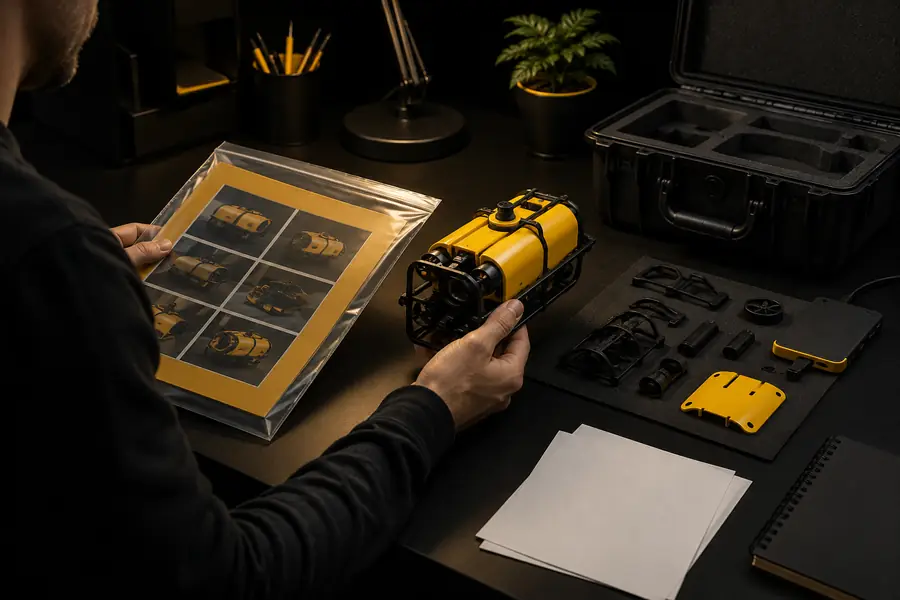
Safe workflow
How a careful review works
A short review loop keeps speed without turning convenience into avoidable risk.
-
1
Prepare the input
Choose an ordinary reference or a prompt you are permitted to use. Remove confidential details, faces, identifiers, and anything your project cannot expose to a cloud service.
-
2
Generate and inspect
Create the model, then examine its shape, topology, textures, scale, and resemblance to the source. Treat the first result as a draft, not a final asset.
-
3
Approve for use
Confirm the intended audience, file contents, rights, and performance needs. Edit or replace the model when any part remains uncertain.