Unity asset workflow

Prepare a 3d model for unity that fits your pipeline

A 3d model for unity should arrive with usable scale, clean materials, and an export path your team can trust. Tripo3d helps turn a reference into a practical starting asset before final Unity polish.

01
reference image to blockout
GLB
fast handoff format
Unity
target engine workflow

Pipeline fit

the audience's existing pipeline

Different Unity teams begin with different inputs, but the useful handoff is consistent: a recognizable mesh, predictable materials, and enough structure for the next production step.

Indie game developer

You have concept art or a single product-like reference and need a playable prop without spending a day on the first blockout.

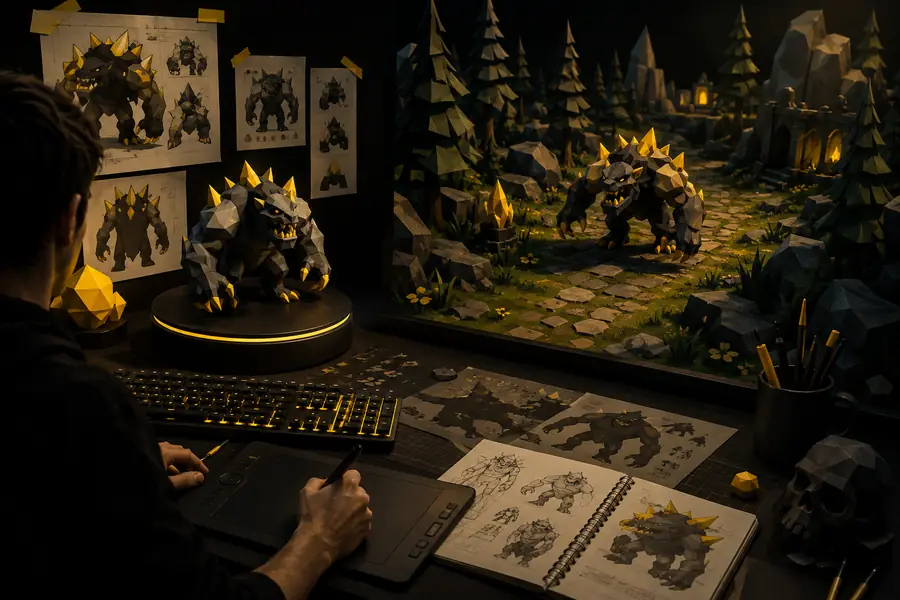
Use Tripo3d to establish shape and visual direction, then finish pivots, collisions, and gameplay polish in Unity. Read the broader workflow in ai 3d for game development.

ai 3d for game development
Technical artist

You are testing several asset ideas and need consistent source geometry before choosing what deserves manual retopology and optimization.

Tripo3d gives the team a repeatable starting point for comparison, while your existing Blender or Maya pass remains the authority for production topology. See how ai 3d for ecommerce handles repeatable asset preparation.

ai 3d for ecommerce

Environment artist

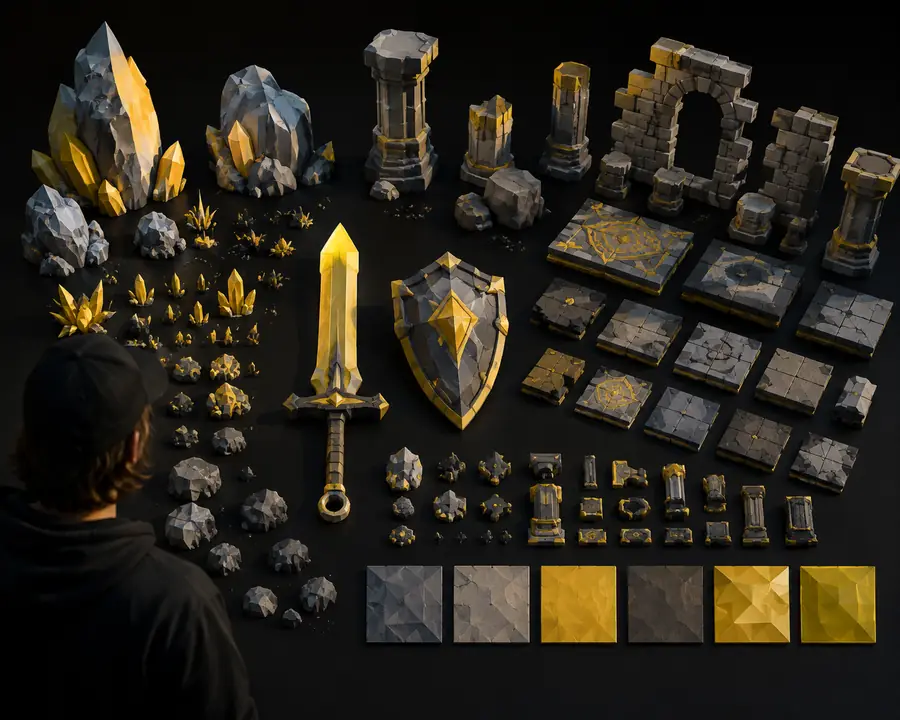
You need background props, modular decoration, or scene dressing from image references while the hero assets stay under close manual control.

Generate a broad library with Tripo3d, select the strongest silhouettes, and bring approved pieces into Unity for scale checks, batching decisions, and lighting tests. The ai 3d for game development guide covers this library-first approach.

ai 3d for game development

Solo creator

You are building a small Unity prototype and want to move from an idea to a visible scene before investing in detailed modeling.

Tripo3d shortens the blank-page stage so you can test composition, interaction, and camera framing early, then replace or refine the assets that prove valuable. For catalog work, compare the ai 3d for ecommerce workflow.

ai 3d for ecommerce

Handoff benefits

where we slot in

Tripo3d belongs before engine integration, not after it. Generate or adapt the source asset first, then use Unity and your DCC tools for the decisions that depend on gameplay, lighting, and project conventions.

1 reference image needed to begin
1 source
2 shape, scale, and material review before import
3 checks
3 AI draft followed by engine-aware cleanup
2 passes
4 your Unity project remains the final source of truth
0 lock-in

before/after

Choose the amount of Tripo3d involvement based on the asset's role. The closer an object is to the camera or to gameplay logic, the more important a deliberate cleanup pass becomes.

When

You need a visual prototype today

Then

Bring a Tripo3d draft into Unity, assign a temporary material, and test the object in its intended scene.

Fast feedback on scale, silhouette, camera framing, and player readability is more valuable than perfect topology at this stage.

When

You need a reusable production prop

Then

Use Tripo3d for the initial form, then retopologize, unwrap, name, and optimize the asset in your normal DCC workflow before import.

A clean handoff reduces surprises in lightmaps, draw calls, collision setup, and future edits.

When

You need a hero or deforming character

Then

Treat Tripo3d as concept support or a proportion reference, then use specialist modeling, rigging, and animation tools for the final asset.

Deformation, facial topology, skin weights, and authored LODs need decisions that an automatic first pass cannot replace.

Three-stage handoff

deliverable spec

A useful Unity asset is more than a mesh file. Tripo3d starts the shape conversation; your handoff checklist makes the result dependable inside the project.

  1. 1

    Set the reference

    Choose a clear image with the subject isolated, centered, and shown from a useful angle. Tripo3d can infer form more reliably when the reference has visible edges and limited occlusion.

  2. 2

    Review the draft

    Inspect the Tripo3d result for silhouette, missing surfaces, floating details, and scale assumptions. Compare it against the reference before spending time on polish.

  3. 3

    Prepare the Unity import

    Export in a project-friendly format, confirm units and orientation, assign or rebuild materials, create colliders where needed, and test the asset in its real scene.

  4. 4

    Optimize the approved asset

    Reduce unnecessary geometry, create LODs for distance use, check lightmap behavior, and preserve a named source file so the Tripo3d draft can be regenerated or replaced cleanly.

  • Before: generated draft
  • After: Unity handoff
Reference-style 3D asset before Unity preparation
Refined 3D asset shown as a cleaner game-ready handoff