Blender artist
Open the GLB in Blender when you need to retopologize, relight, animate, or refine materials.
You get a flexible working asset with direct access to geometry, UVs, and shader settings.
glb to objImage conversion
Image to glb workflows turn a visual reference into a portable 3D asset for design, games, product previews, and interactive websites.
Choose your workflow
Different applications favor different import settings. Use this quick comparison to decide where your GLB will go next.
Blender
Unity
Blender
Model cleanup, materials, lighting, and rendering
Unity
Game scenes, prefabs, and interactive prototypes
Blender
Detailed manual adjustments through shader nodes
Unity
Fast material assignment through the Inspector
Blender
Apply transforms and set the object origin before export
Unity
Adjust scale, colliders, and prefab settings after import
Blender
Artists, designers, and technical modelers
Unity
Game developers and technical artists
Blender
Compact package for review and further editing
Unity
Convenient package for real-time scenes
Blender
Inspect normals, UVs, and material slots
Unity
Confirm scale, orientation, and shader compatibility
From reference to asset
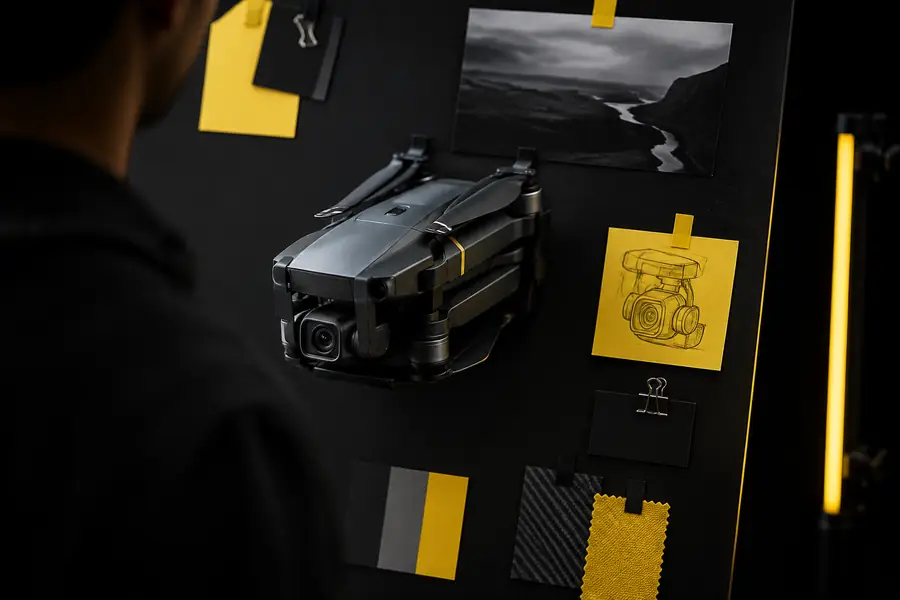
Start with a clean reference, then inspect the generated geometry before placing it in your production scene.
A simple, well-lit subject with a visible silhouette usually gives the importer more useful shape information than a busy or heavily cropped image.
Pick your destination
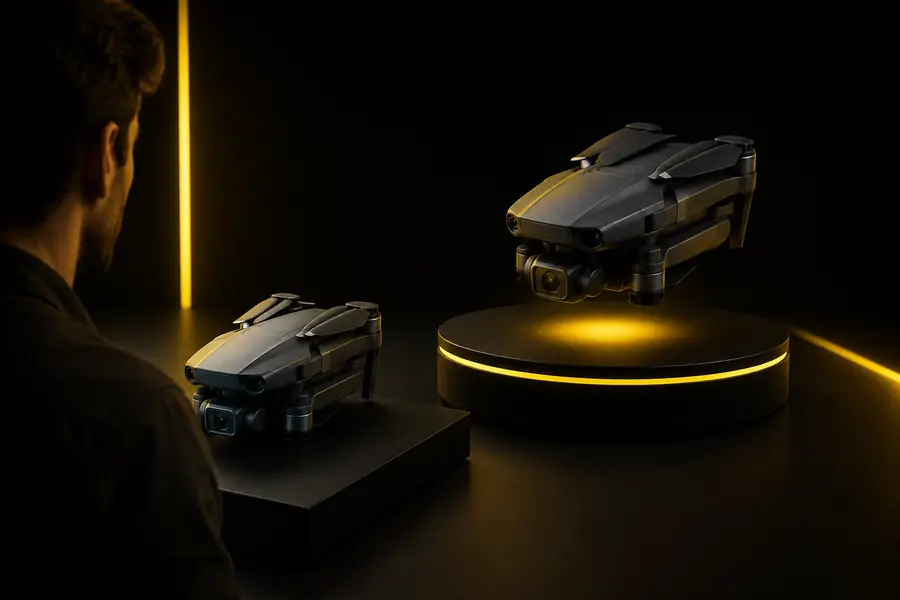
Use the destination that matches your next task, and keep the original GLB nearby so you can compare changes after import.
Open the GLB in Blender when you need to retopologize, relight, animate, or refine materials.
You get a flexible working asset with direct access to geometry, UVs, and shader settings.
glb to objBring the model into Unity as a starting point for a prop, character placeholder, or environment asset.
A compact GLB can move quickly from generated concept to a testable scene object.
fbx to glbConvert or clean the generated shape before preparing a watertight mesh for a slicer.
You can separate visual prototyping from the later checks required for physical output.
png to stlUse a GLB as an interchange point when a project receives OBJ, STL, or 3MF source files.
A consistent handoff format makes previews and downstream conversions easier to organize.
obj to glbFix the handoff
Most failed imports come from scale, orientation, or unsupported material assumptions rather than the model geometry itself.
Check the scene unit scale and object dimensions first. Apply transforms in Blender, or adjust the model scale in the Unity import settings.
Inspect the forward and up-axis convention used by the destination software. Rotate the object, apply the rotation, and save a clean copy before exporting again.
Confirm that the GLB contains embedded image data and that the destination supports the material features used. Replace unsupported shaders with a basic PBR material.
Related formats
Choose the next format guide when your project needs a different interchange file or a more specialized conversion path.