AI 3D explained
What is tripo3d and what can it create?
What is tripo3d? It is an AI 3D generation workflow that turns a text prompt or reference image into a starting 3D asset. Tripo3d helps creators move from an idea to an editable model without building every shape manually.
Before using an AI-generated model, read Is Tripo3d safe for a practical look at review, privacy, and workflow considerations.
- Text + image
- Two common starting points
- 3D asset
- A model you can refine
- Fast iteration
- More ideas tested earlier
Explore the topic
These related guides place tripo3d in context, from text-based generation to practical workflows for models and creative production.
How it works
Tripo3d compresses several early modeling tasks into a short loop: describe or show an object, review the result, then refine what matters.
-
1
Describe or show the idea
Enter a focused text prompt or provide a clear reference image. Tripo3d uses the visible subject, silhouette, and descriptive cues to infer a 3D form.
-
2
Generate a first model
The tripo3d workflow creates an initial mesh from the available information. Treat this as a strong concept draft rather than a finished production asset.
-
3
Inspect and refine
Review proportions, surfaces, details, and topology before use. Tripo3d is most useful when it shortens exploration and leaves deliberate cleanup for the creator.
From concept to model
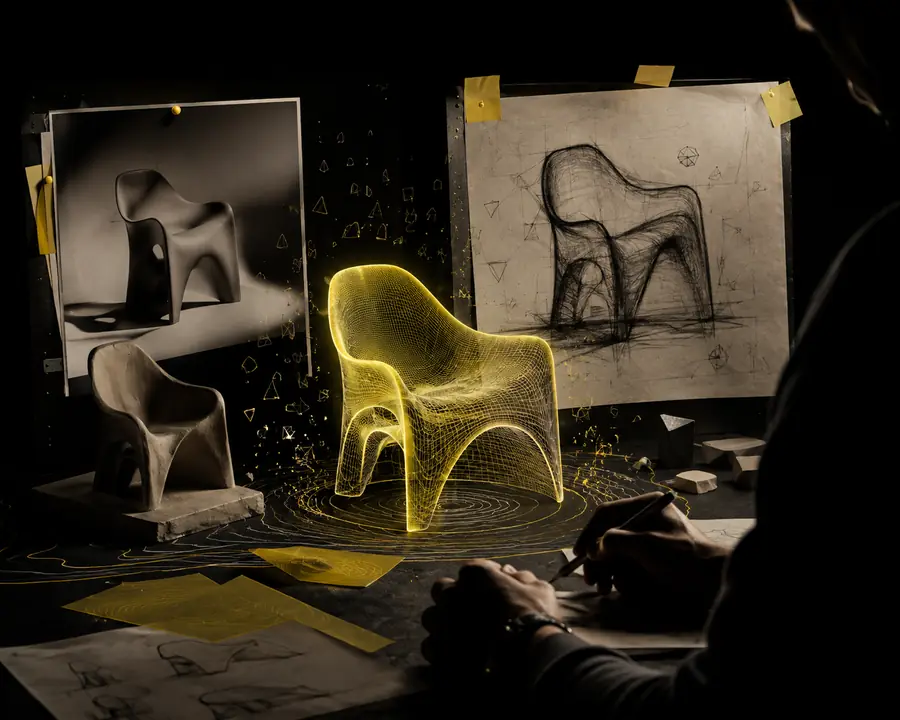
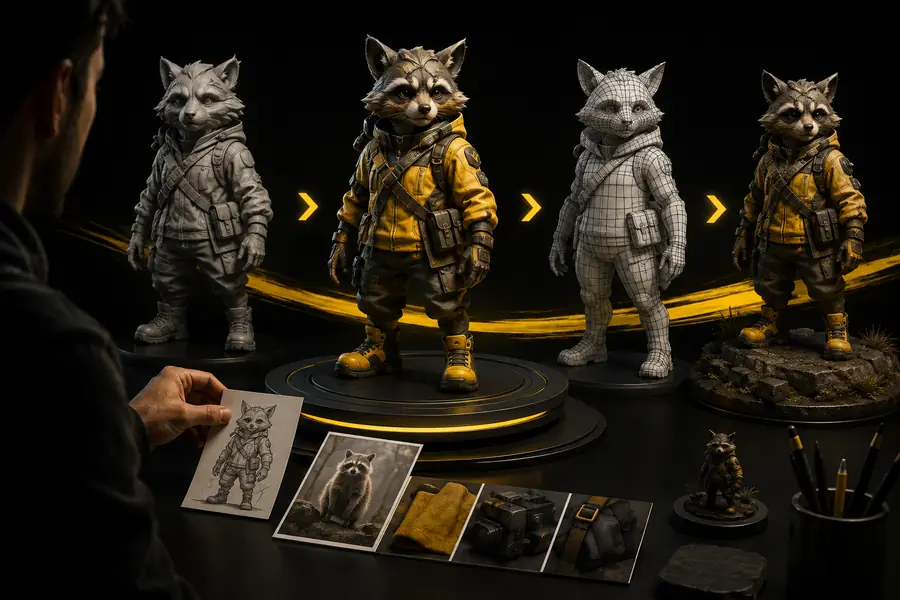
The before-and-after view represents the central promise of tripo3d: turning a flat idea into a navigable object that can be evaluated from more than one angle.
- Reference idea
- 3D result
Who uses it
Tripo3d is useful wherever a rough 3D representation helps someone decide, communicate, or iterate before investing in detailed manual modeling.
- 1 A designer can turn an early concept into something easier to discuss.
- 1 idea
- 2 Text and images let artists choose the starting point that fits the task.
- 2 inputs
- 3 Generate, inspect, and refine gives teams a simple shared workflow.
- 3 stages
- 4 No AI tool removes the need for judgment, cleanup, or project-specific checks.
- 0 shortcuts
What it can and cannot do
Understanding tripo3d means separating fast concept generation from the specialist work required for a dependable final asset.
-
It cannot read your intent perfectly
A prompt or image can leave scale, hidden surfaces, materials, and structure ambiguous.
WorkaroundUse a simple subject, clear wording, and multiple reference views when accuracy matters.
-
It cannot guarantee production-ready topology
A generated mesh may need retopology, smoothing, cleanup, or adjustments for animation and real-time use.
WorkaroundInspect the mesh in your target application and plan a cleanup pass before publishing.
-
It cannot replace art direction
Tripo3d can propose forms, but it does not know whether the result fits your style, brand, gameplay, or scene.
WorkaroundSet visual constraints before generation and select outputs against a written brief.
-
It cannot solve every complex subject
Thin parts, repeated structures, transparent materials, interiors, and unusual perspectives may be interpreted inconsistently.
WorkaroundBreak complex ideas into simpler assets and use the generated result as a base for manual correction.
Its own FAQ
A few practical questions help set the right expectations before using tripo3d for a real project.
-
What does Tripo3d do? It generates an initial 3D model from a text description or reference image so creators can explore an idea faster.
OptionalThe result is a starting asset and should be reviewed before production use.
-
Can Tripo3d create a model from one image? It can use a single image as visual guidance, but hidden sides and exact dimensions must be inferred.
OptionalAdditional references and manual edits improve control.
-
Is Tripo3d suitable for finished game or print assets? It can support early asset creation, but suitability depends on topology, scale, detail, and the requirements of the final project.
OptionalValidate the mesh in the software and pipeline where it will be used.
-
What should I prepare before using Tripo3d? Prepare a clear subject, a focused description or image, and a short list of non-negotiable visual requirements.
OptionalGood inputs make the first generation easier to evaluate and refine.