Create in 3D

Build More with an AI 3D Model Generator

Tripo3dai turns a short description or reference image into a workable starting asset. Explore forms quickly, choose a direction, and move into refinement without building every shape from scratch.

Text
Describe the object you want
Image
Start from a visual reference
Export
Continue in your preferred workflow

Core workflow

How an AI 3D Model Generator Works

The process is designed to shorten the distance between a rough concept and a model you can inspect, edit, and use in a larger project.

  1. 1

    Describe or upload

    Enter a clear prompt or provide one strong image. Mention the object, viewpoint, materials, proportions, and any details that matter to the result.

  2. 2

    Generate the first form

    Tripo3dai interprets the visual cues and builds a complete 3D approximation, giving you a tangible shape to review instead of a blank scene.

  3. 3

    Refine and export

    Check the silhouette, surface detail, topology, and scale. Keep the parts that work, revise the weak areas, then export for your next tool or use case.

Choose your route

Three Creation Routes for Different Starting Points

An AI workflow is most useful when it matches the way you already think. Start with language, imagery, or a practical production goal and let the first draft reveal the next decision.

Concept artists

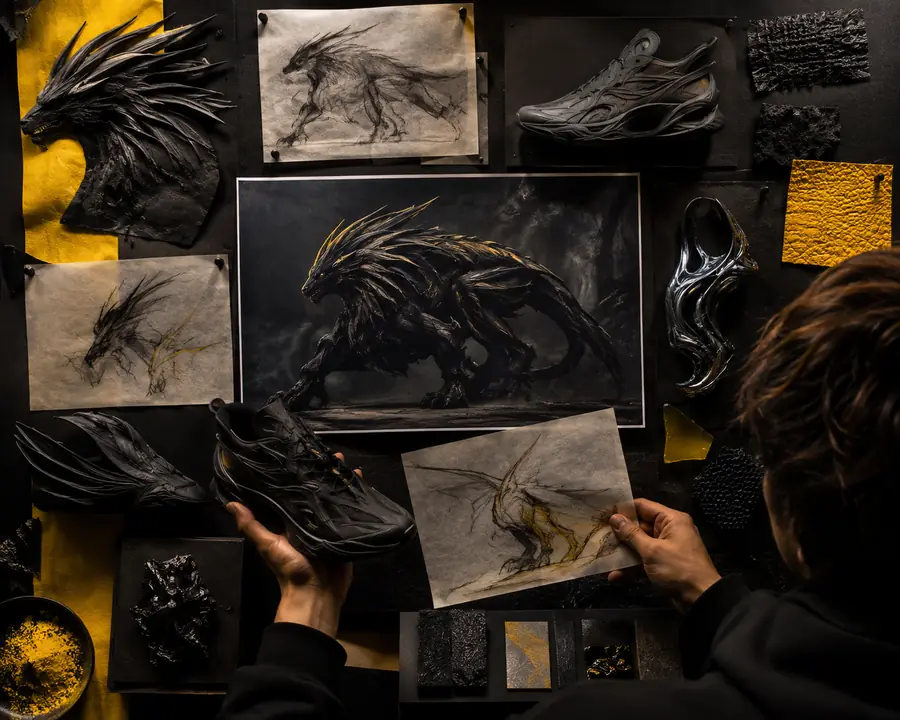
You have a creature, prop, or environment idea but need a rough volume before spending time on design details.

Generate several silhouettes, compare proportions, and use the strongest version as a blockout for sculpting or illustration.

text to 3D model
Product teams

You need an early product visualization from a reference photo, sketch, or written brief.

Create a presentable shape quickly, then review dimensions, materials, and camera angles before a polished production pass.

image to 3D model

Game developers

You are exploring props, NPC concepts, or set dressing while trying to keep the prototype moving.

Turn a design prompt into a testable asset, identify what needs manual cleanup, and reserve specialist time for the highest-value work.

AI 3D for game development

Makers and educators

You want a physical object or teaching example without learning every modeling operation first.

Use the generated form as a printable or editable starting point, while checking wall thickness, overhangs, and scale before fabrication.

3D printing for beginners

Practical impact

What Changes When Tripo3dai Handles the First Draft

The biggest gain is not a perfect one-click model. It is the ability to test more ideas before committing to detailed manual work.

1 Compare early concepts before choosing one path
more directions
2 Move from a prompt or image to an inspectable form
10 min to first review
3 Carry a concrete starting point into your existing pipeline
1 file to refine
4 Begin with geometry instead of an empty viewport
0 blank scenes

Quality check

From Reference to Editable Asset

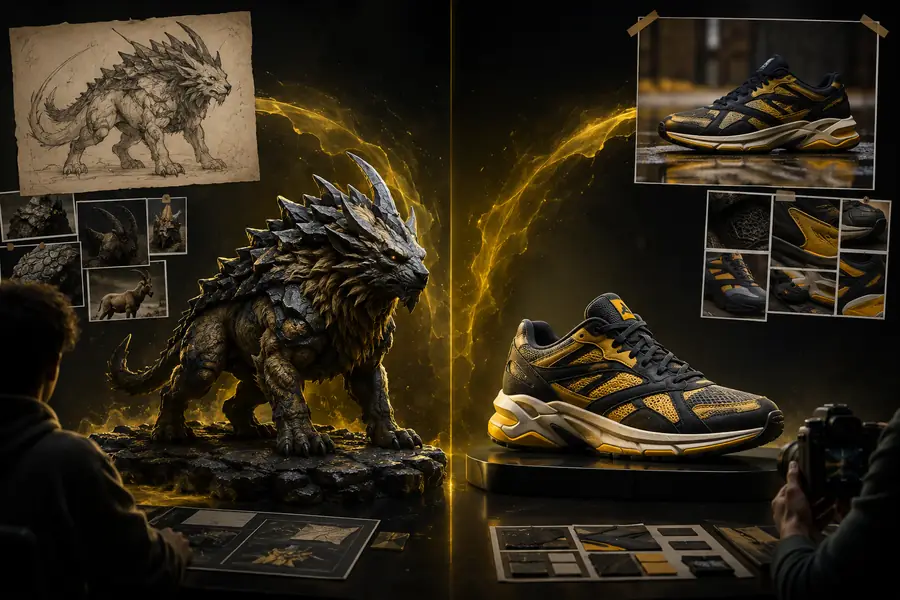
A generated model should be judged as a useful draft: does the silhouette communicate the idea, and is the remaining cleanup clear enough to plan?

  • Reference
  • Generated draft

The strongest results come from clear references and realistic expectations. Review proportions, hidden surfaces, topology, texture consistency, and file scale before treating the asset as production-ready.

Reference concept used to guide a 3D generation
Generated 3D asset ready for inspection and refinement