Indie game creator
You need a prop from a concept image, but modeling time is limited.
Use Tripo 3D to create a rough asset, then refine scale, topology, and materials before importing it into the engine.
3d model for unity3D workflow guide
The best ai 3d model generator depends on the asset you need, the input you have, and how much cleanup your workflow can handle. This guide uses Tripo 3D as a practical reference for evaluating speed, geometry, and export readiness.
Before comparing an AI 3D model generator, define the asset’s purpose and the minimum quality it must meet. A clear brief prevents impressive previews from becoming unusable files.
You need a prop from a concept image, but modeling time is limited.
Use Tripo 3D to create a rough asset, then refine scale, topology, and materials before importing it into the engine.
3d model for unityYou want a quick 3D representation of a product idea for review or presentation.
A consistent image and a simple background give Tripo 3D enough visual information for a useful first pass.
AI 3D for ecommerceYou are starting with a reference image and need a form to inspect before rebuilding it for fabrication.
Generate a visual base, check proportions, and repair watertightness before sending the model to a slicer.
3d printing for beginnersYou need several decorative shapes with a recognizable theme and a short production window.
Generate variations in Tripo 3D, select the strongest silhouette, and make final edits in a 3D editor.
3d christmas decorationsA useful test is not just whether Tripo 3D can produce a model. It is whether the result survives inspection, editing, and export without erasing the time you hoped to save.
Start with one centered subject, strong contrast, and a visible side profile. After generation, inspect thin parts, hidden surfaces, openings, symmetry, and material separation before calling the asset finished.
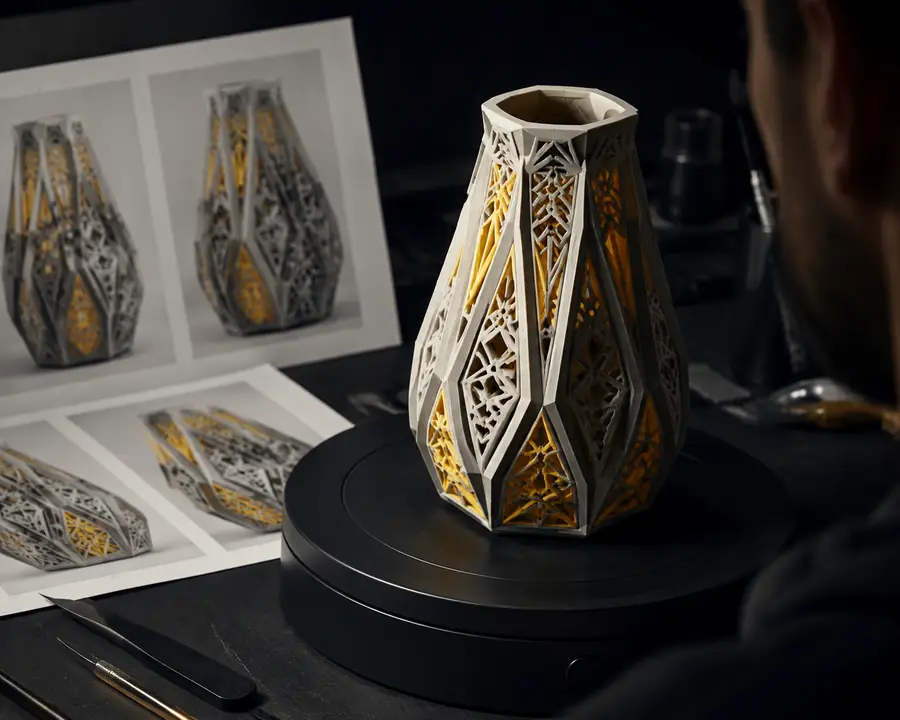
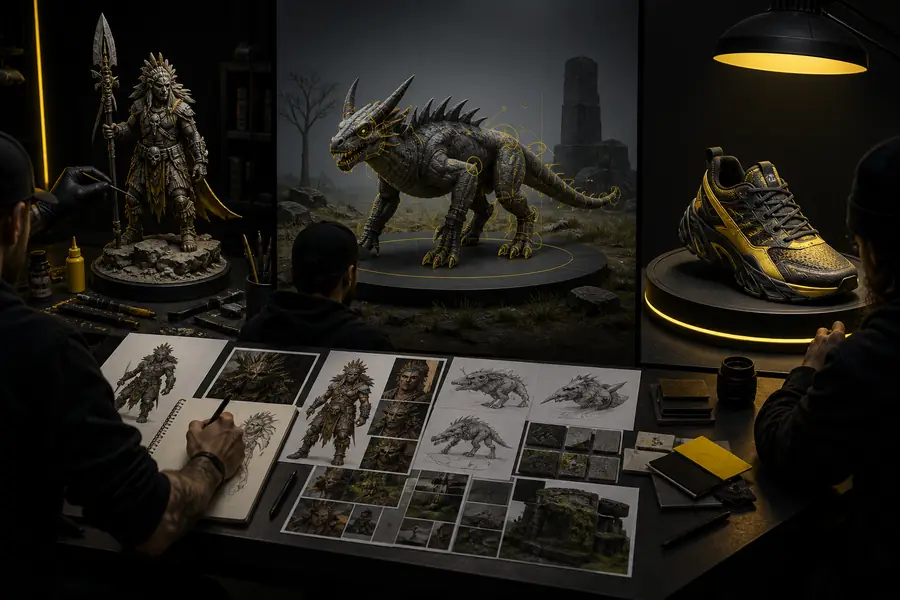
Choose a workflow by the kind of control you need. Tripo 3D is strongest when speed and visual interpretation matter, while traditional tools remain important for exact engineering requirements.
When
Then
Choose Tripo 3D image-to-model generation.
It reduces blocking time and gives you a concrete mesh to evaluate before investing in manual modeling.
When
Then
Choose an AI 3D model generator for ideation, then edit the selected result.
Variation is more valuable than perfect topology during concept development, and Tripo 3D can shorten the path from idea to review.
When
Then
Choose CAD or hands-on modeling, using AI only for reference and exploration.
Generated geometry may contain uneven density, fused details, or proportions that look right but measure incorrectly.
The most common failures are predictable: ambiguous references, unsupported thin geometry, hidden backsides, and textures that look better in a preview than they do in a real scene. Related workflows can help you plan the handoff.
The format has changed quickly, but the practical evaluation remains stable: inspect the input, review the mesh, and match the tool to the delivery requirement.
Single-image generation made it possible to block out recognizable forms without building every shape manually. Tripo 3D fits this stage well when the reference is clean and centered.
Creators began checking scale, underside geometry, holes, normals, and texture behavior in the destination application rather than trusting the first render.
GLB, OBJ, and FBX support matter because a model is only useful when it can move into the next tool with acceptable materials and scene structure.
AI generation handles exploration and blocking; artists, designers, or engineers make the final decisions about topology, dimensions, materials, and readiness.